Poppy, on the corner of your desktop
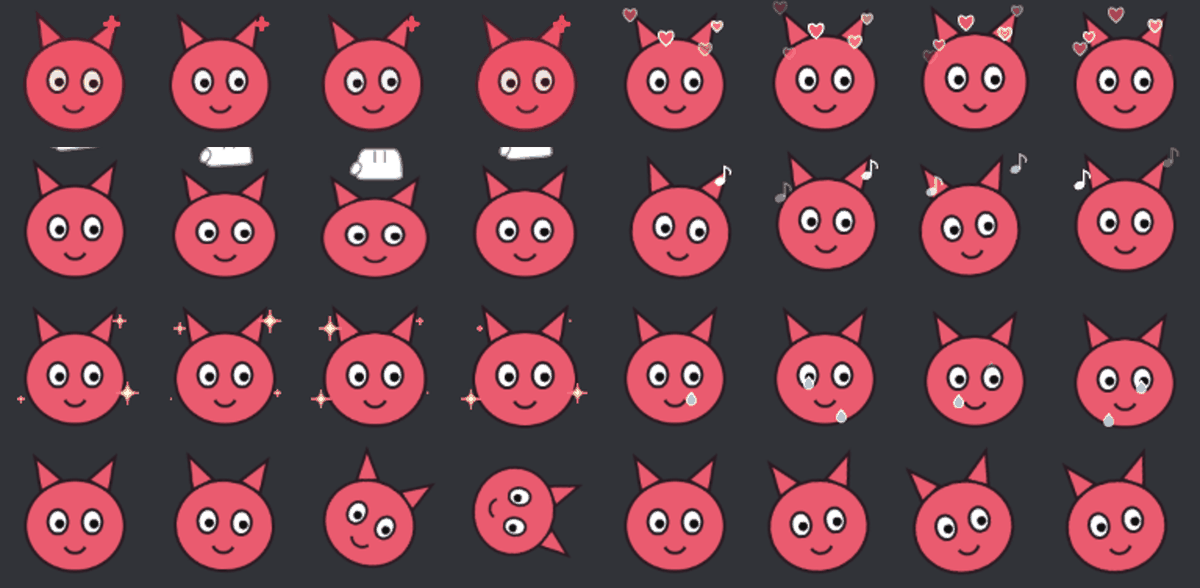
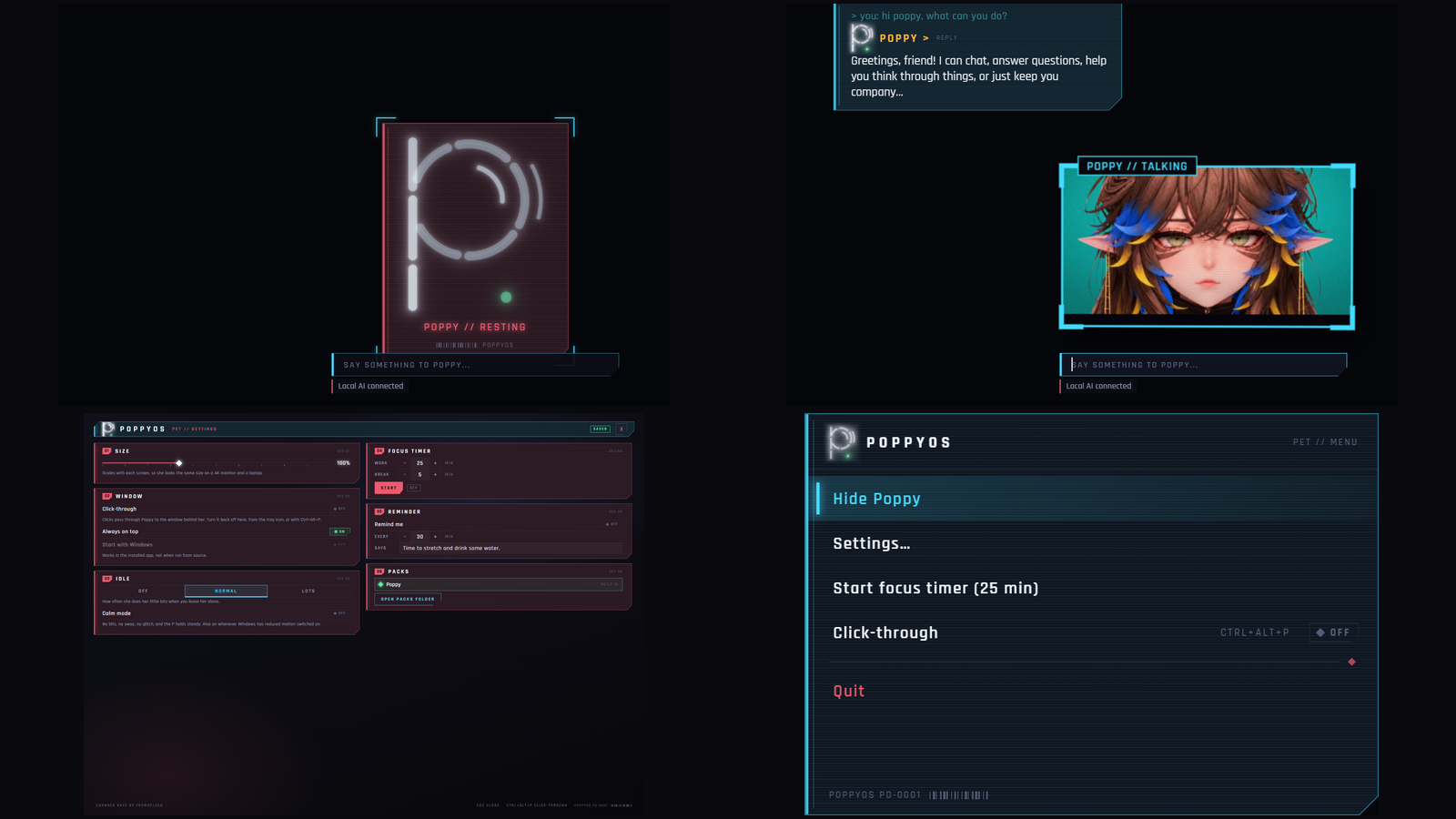
Most of the time she rests as a glowing P on a dark card. Poke her, or type in the box under her, and her face appears and she answers in a speech bubble. Leave her alone for about 40 seconds and she goes back to resting.
- CAUT Not code-signed yet
- NOMINAL Everything stays on your PC
What it does
Rests, wakes, answers
The P rests on a dark card. Poke her or type under her and she wakes, shows her face and replies in a bubble. After about 40 seconds of quiet she goes back to resting.
Focus timer and reminder
A focus timer with work and break lengths, and a reminder that repeats on whatever schedule and wording you pick. Poppy delivers both in her bubble.
Settings that save themselves
Six sections with big controls. Every change saves the moment you make it, and it all comes back when you reopen the app.
Where she sits
A size slider from 50% to 200% that follows each monitor's height. Click-through, so the mouse passes to the window behind her (Ctrl+Alt+P flips it from anywhere). Always on top and Start with Windows, each on or off. She remembers where you left her.
Tray menu
Right-click her tray icon to hide or show her, open settings, start the focus timer, switch click-through or quit.
Calm mode
Idle movement can be off, normal or lots. Calm mode holds the P steady and switches on by itself if Windows reduced motion is on.
Packs
Extra moods and characters come as a folder. The format is written down, so you can make your own.
Private
No account, no analytics, no sign-in. Everything stays on your PC.
Talking to her
On its own she rests, reacts and gives a handful of stock replies, and a note under the box says so. For real conversation, install Ollama (free, runs on your PC) and a chat model. She finds it herself, and nothing is sent anywhere else.
Who it is for
- Anyone who likes a small character on their desktop and a timer that talks back.
- People who want a companion that stays out of the way: click-through, always on top, calm mode.
Honest limits
- The app is not code-signed yet. Windows SmartScreen will say unknown publisher the first time. Choose More info, then Run anyway.
- Tested on Windows 11 only. It is built for 64-bit Windows 10 and 11, but Windows 10 was not tried.
- It is a zip of about 270 MB, not an installer. Unzip anywhere and double-click. To remove it, quit from the tray and delete the folder.
- Real conversation needs Ollama and a chat model. The chat is only as good as the model you run.
- No sound.
- Tested on one monitor. Moving her between screens, and mixed scaling such as one 4K and one 1080p, use code that is unit-tested, but nobody has watched it happen on a second screen.
- While she rests she used about 17% of one CPU core (0.7% of a 24-core PC) and about 720 MB of memory. She is busier for the 40 seconds after you poke her, and that awake state was not measured again on this version. On an older laptop with fewer cores, expect a bigger percentage.
Details
- Included: The app (a zip of about 270 MB) and the licence. Single-user licence.
25 automated tests pass. A 20-check end-to-end run of the app passes: settings saving, restart, packs, the timer, that the P is drawn, and that the app turns away remote content, bad messages and files outside its folders. The packaged exe cannot be driven by that run because its debug port is closed on purpose, so it was started by hand and its pet card and settings window were checked by eye. Tested on one Windows 11 PC with one monitor. Questions? Support.