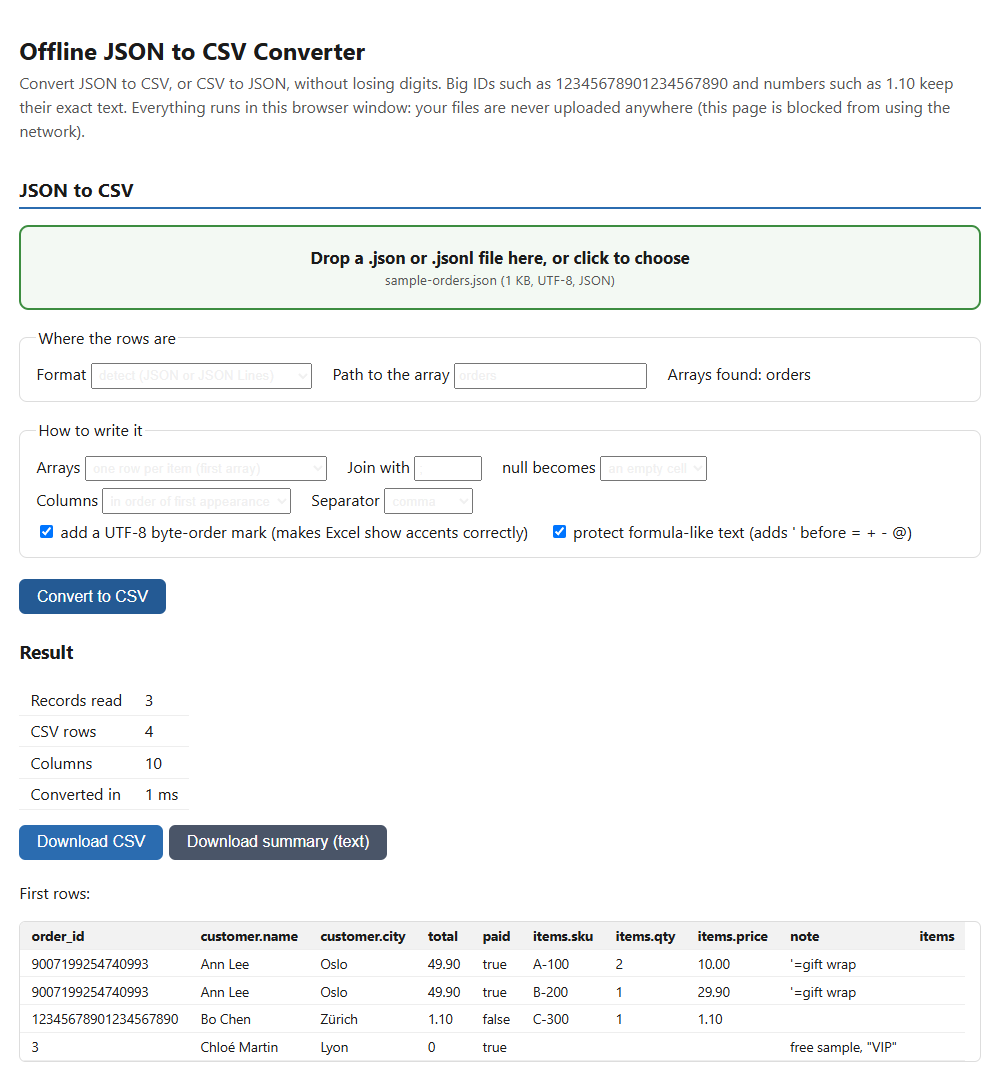
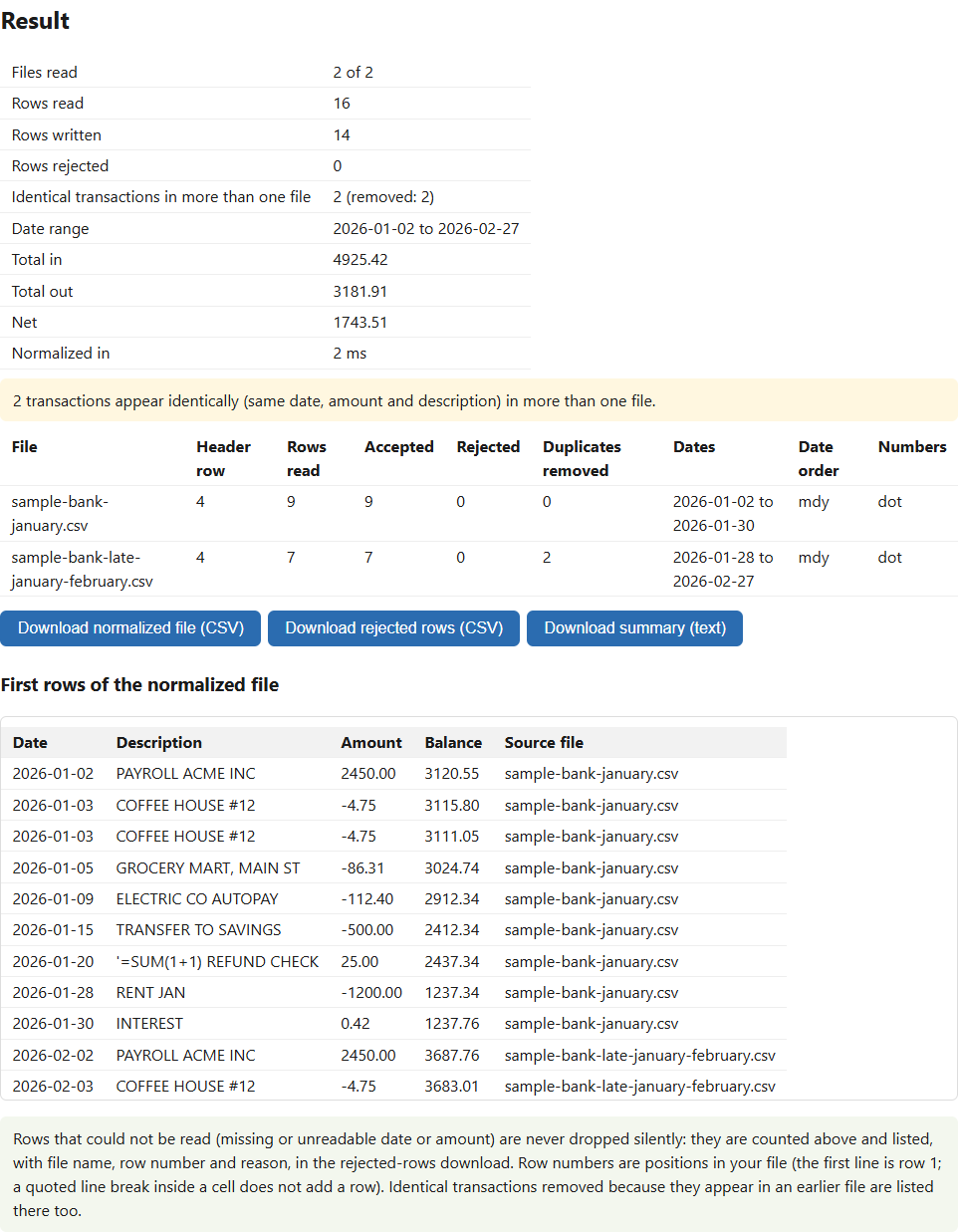
Turn a supplier's product file into a Shopify import CSV
Your supplier's file never looks like Shopify's template. Match your columns to Shopify's fields, group rows into variants, and get an import CSV plus a list of every row that has a problem. It runs in your browser; your prices and costs stay on your computer.
Buy on Gumroad: USD 19 All tools
- NOMINAL Runs in your browser
- NOMINAL No upload, no account
What it does
You choose the mapping
The tool suggests which column feeds each Shopify field (title, SKU, price, cost, stock, weight, images, vendor, tags and more). You check it and change any line, or set one fixed value for every row.
Variants
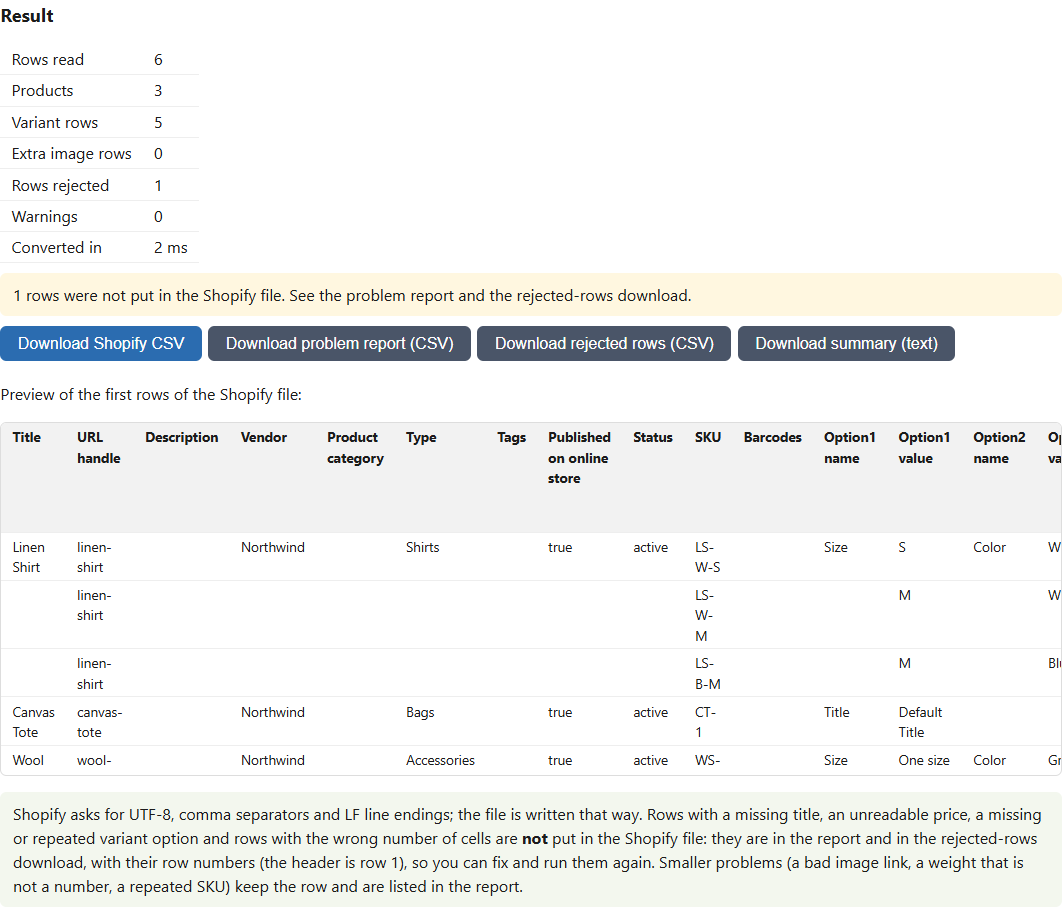
Pick the column that groups rows and up to three option columns such as Size and Color. Rows with a missing or repeated option value are listed, not guessed.
Prices you can trust
$1,234.50, 1.234,50 and 12,5 become 1234.50, 1234.50 and 12.50. A value that could mean two amounts is held back until you choose the number format.
Nothing disappears silently
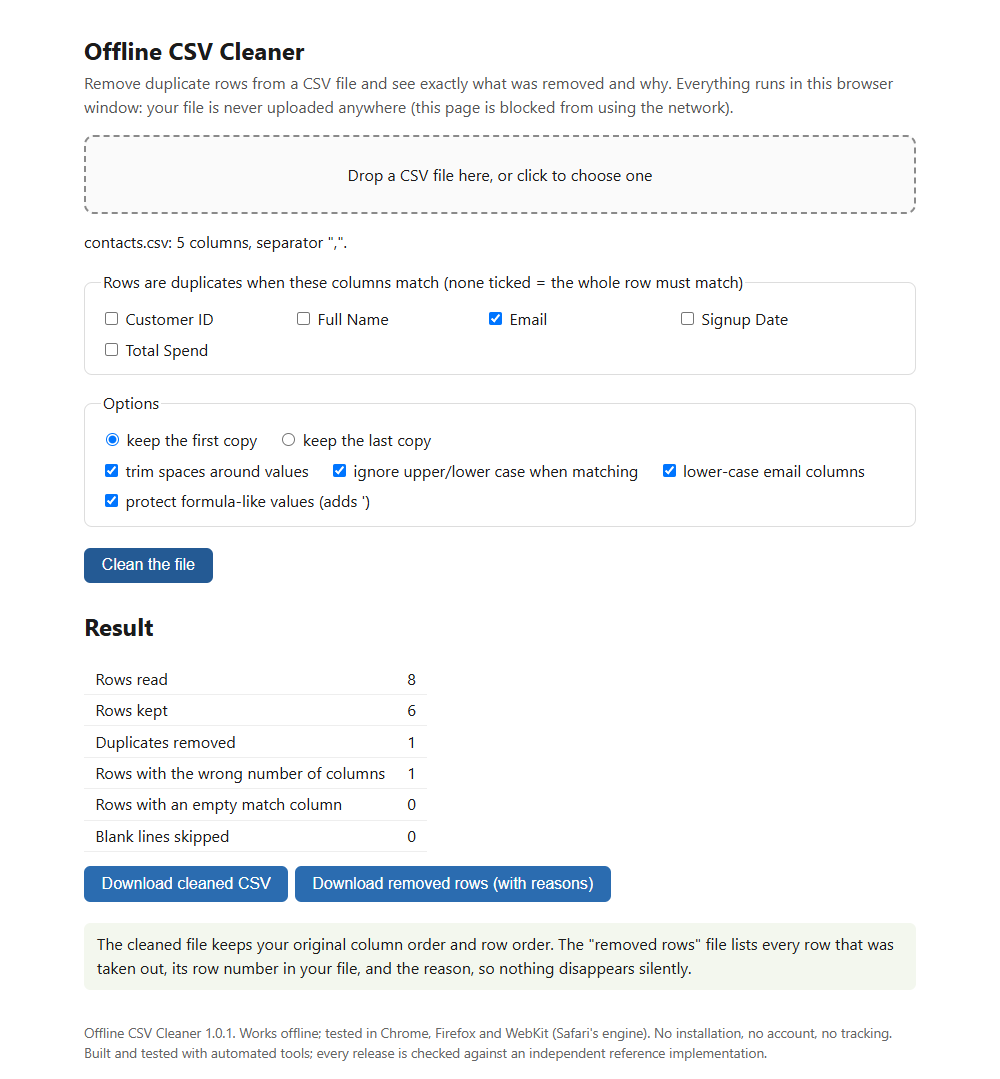
Rejected rows go to a problem report and a rejected-rows file with their row numbers, so you can fix them and run them again.
Who it is for
- Shop owners and dropshippers who get product data from suppliers or marketplaces.
- Anyone who has fought Shopify's importer over handles, variants or weights.
- People whose supplier costs must not be uploaded to an online tool.
Honest limits
- It has not been tested by importing into a live Shopify store, so import a small file first.
- It does not write Amazon or WooCommerce files, collections, metafields or market-specific prices.
- It does not open .xlsx workbooks. Save as CSV first.
- It is not affiliated with or endorsed by Shopify.
How it was made: built with AI-assisted tools and tested automatically against independent reference implementations. Questions? Support.