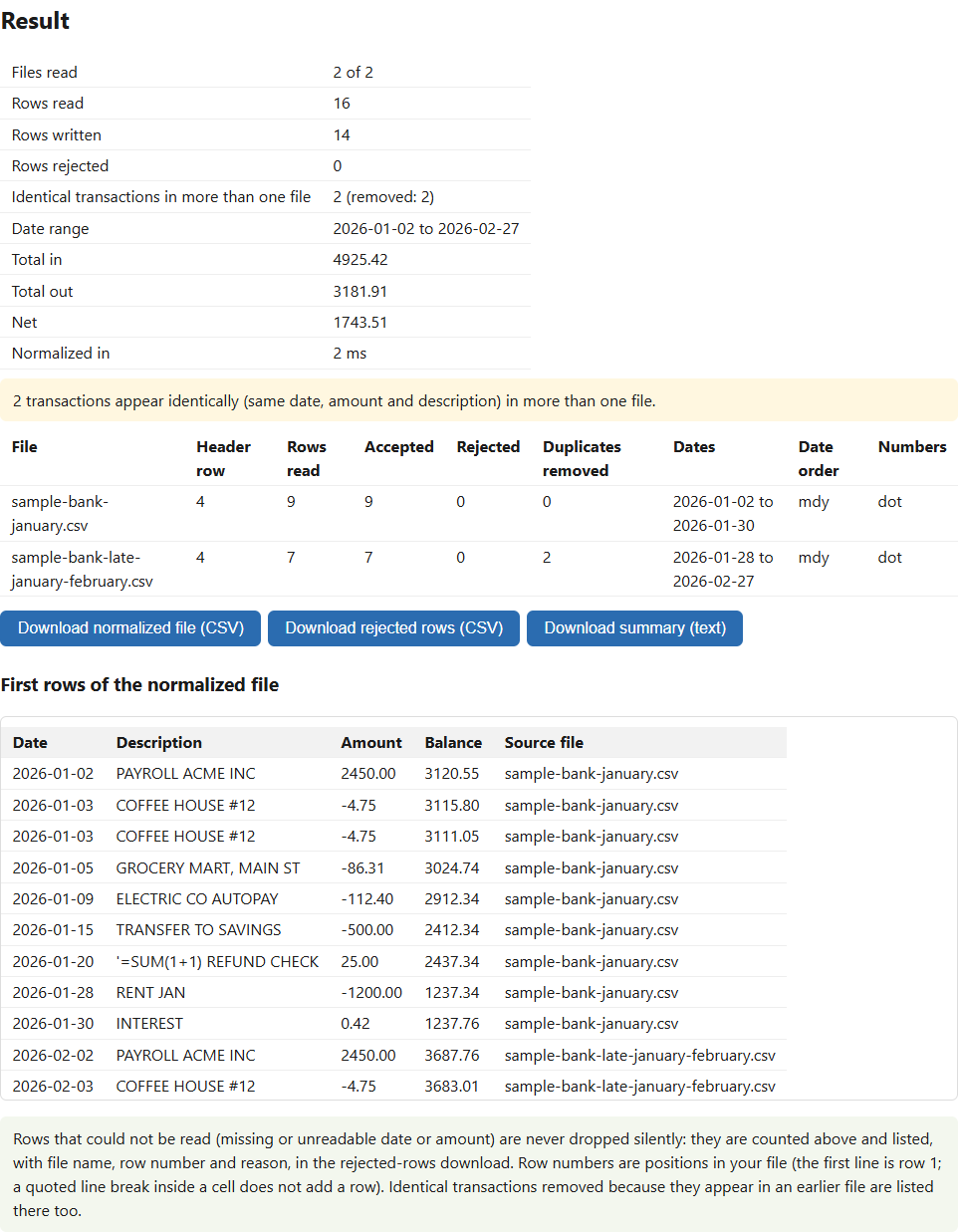
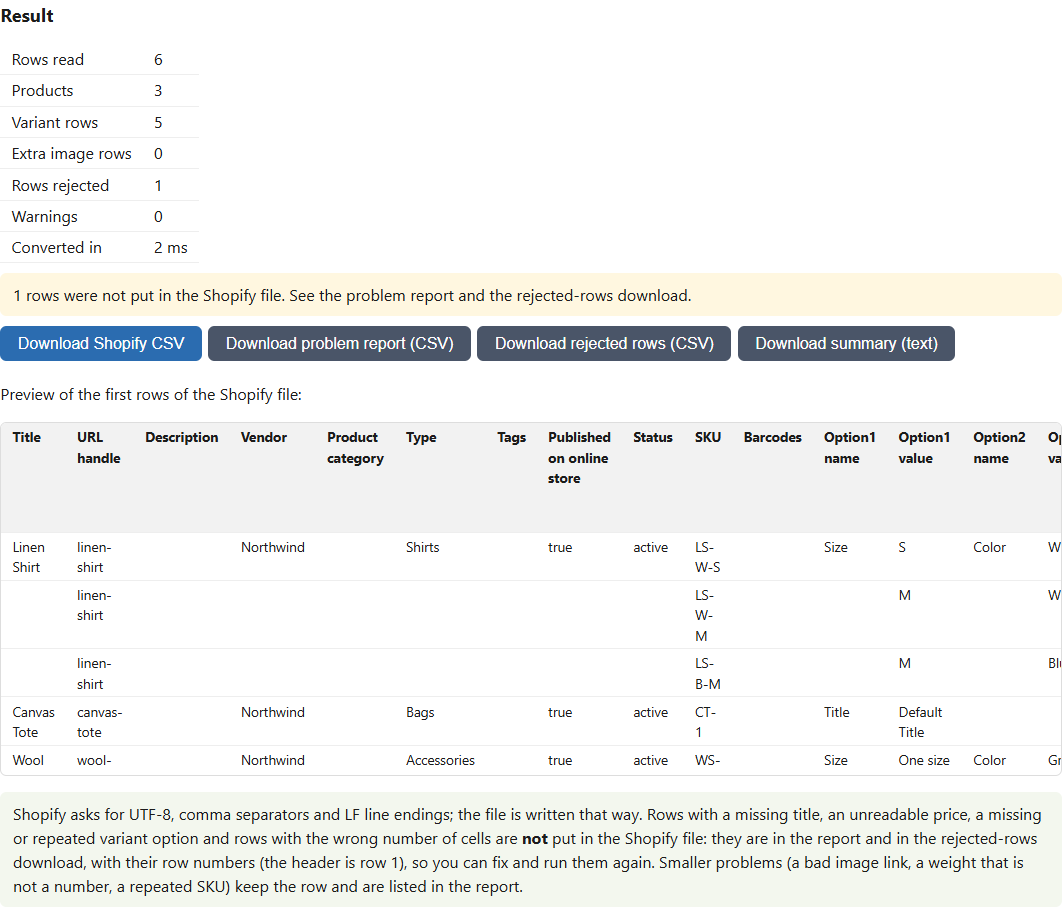
Convert JSON and CSV both ways, with numbers kept exact
Many converters quietly round long IDs or turn 1.10 into 1.1. This one reads every number as text and writes the same text back, in both directions, in your browser.
Buy on Gumroad: USD 12 All tools
- NOMINAL Runs in your browser
- NOMINAL No upload, no account
What it does
Exact numbers
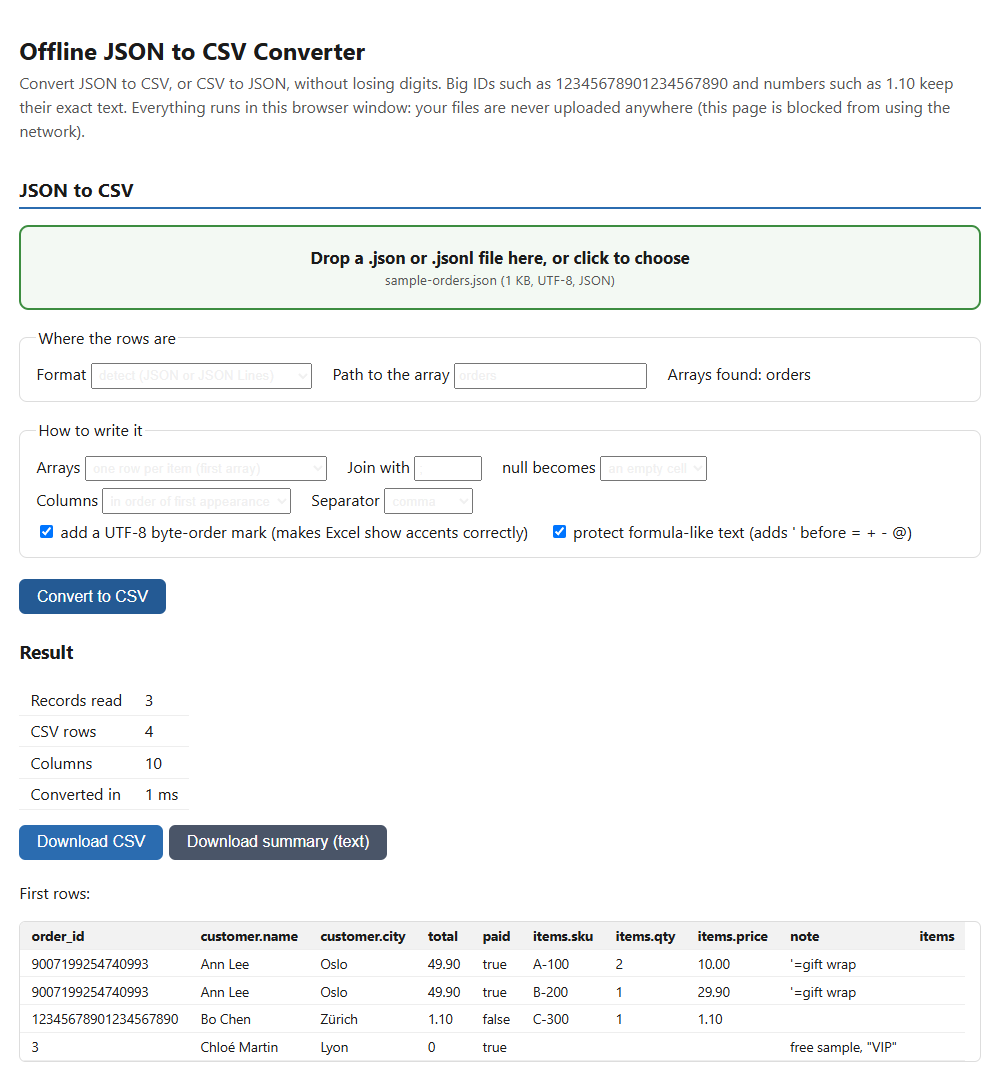
In testing, 12345678901234567890, 9007199254740993, 1.10 and 1E5 came out exactly as they went in, in both directions. Strings such as 007 are kept as they are.
JSON, JSON Lines and CSV
Reads a JSON array, a single object, a list inside an object (you pick the path) or JSON Lines. Nested objects become columns such as address.city.
Four ways to handle arrays
Join the items in one cell, one column per item, keep the array as JSON text, or one row per item.
Nothing guessed or repaired
Invalid JSON is refused with the line and column of the problem. Repeated keys, column clashes and ragged CSV rows are reported in the summary.
Who it is for
- Anyone who needs to open API or app JSON exports in a spreadsheet.
- Developers and analysts whose IDs or prices must not change on the way through.
- People who cannot upload customer data to an online converter.
Honest limits
- It does not write .xlsx workbooks. Open the CSV in Excel.
- It reads the whole file into memory. The largest file tested was 14 MB.
- It does not read JSON with comments or trailing commas, and it does not repair broken JSON.
- We have not tested how Excel or LibreOffice treat the formula protection in the output for this product.
Details
- In our tests, converting 100,000 records (a 14 MB JSON file) to CSV took 0.5 to 0.8 seconds.
How it was made: built with AI-assisted tools and tested automatically against independent reference implementations. Questions? Support.