Turn bank statement CSVs into one clean file
Every bank exports differently: account details above the header, dates like 03/04/2026 or Mon 3 Jan 2026, amounts like 1.234,56 or (123.45). Drop in several files and get one merged, date-sorted file for your bookkeeping, privately in your browser.
Buy on Gumroad: USD 19 All tools
- NOMINAL Runs in your browser
- NOMINAL No upload, no account
What it does
Many files, one result
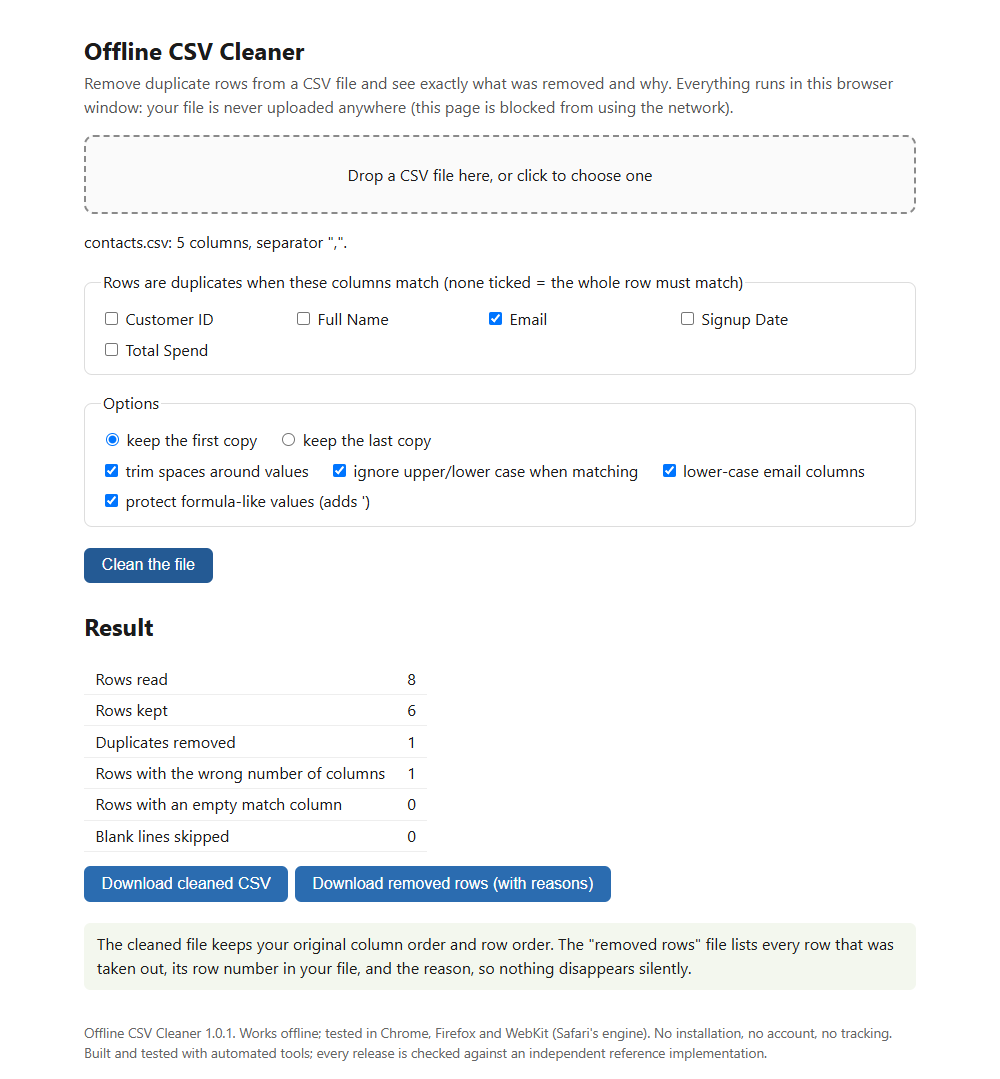
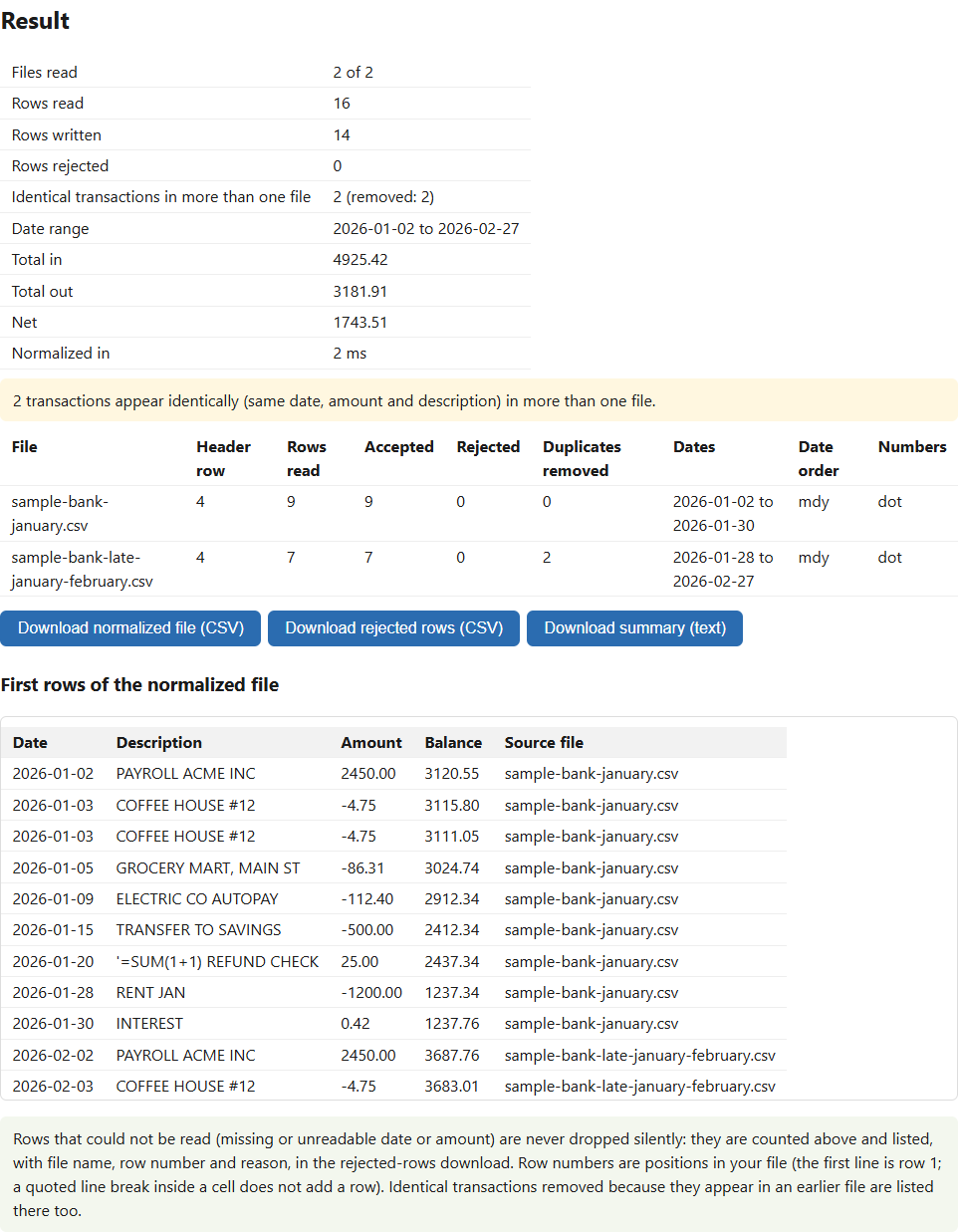
Merge and sort by date. Optionally drop transactions that appear identically in more than one file, which happens when statement periods overlap. A repeat inside a single file is never removed.
Amounts and dates in many styles
1,234.56, 1.234,56, (123.45), 123.45-, CR or DR suffixes, or separate Debit and Credit columns. It never guesses day-first or month-first: it decides from the data, and asks you when it cannot.
Four output layouts
Generic, QuickBooks Online 3 columns, QuickBooks Online 4 columns, and a Xero-style layout.
Nothing dropped silently
Rows with a missing or unreadable date or amount go to a second download with file name, row number and reason. Amounts with more than 2 decimals are rejected, not rounded.
Who it is for
- Bookkeepers and small business owners who import statements from more than one bank or card.
- Anyone who needs a statement CSV in a QuickBooks Online or Xero-style layout.
- People who do not want to upload their statements to a website.
Honest limits
- It reads CSV exports only, not PDF statements, and does not open .xlsx files.
- It does not categorise transactions or match them to invoices.
- The Xero-style layout is not verified against Xero, and neither the QuickBooks nor the Xero-style files were tried in a live account or in Microsoft Excel.
- Check the result against your statement before importing.
How it was made: built with AI-assisted tools and tested automatically against independent reference implementations. Questions? Support.