Cut a big CSV into files that fit Excel, or join several
Excel stops at 1,048,576 rows per sheet. Split a bigger file into pieces that fit, with the header row in every piece, in one ZIP. Or merge several CSV files even when their columns are in a different order. Nothing is uploaded.
Buy on Gumroad: USD 15 All tools
- NOMINAL Runs in your browser
- NOMINAL No upload, no account
What it does
Four ways to split
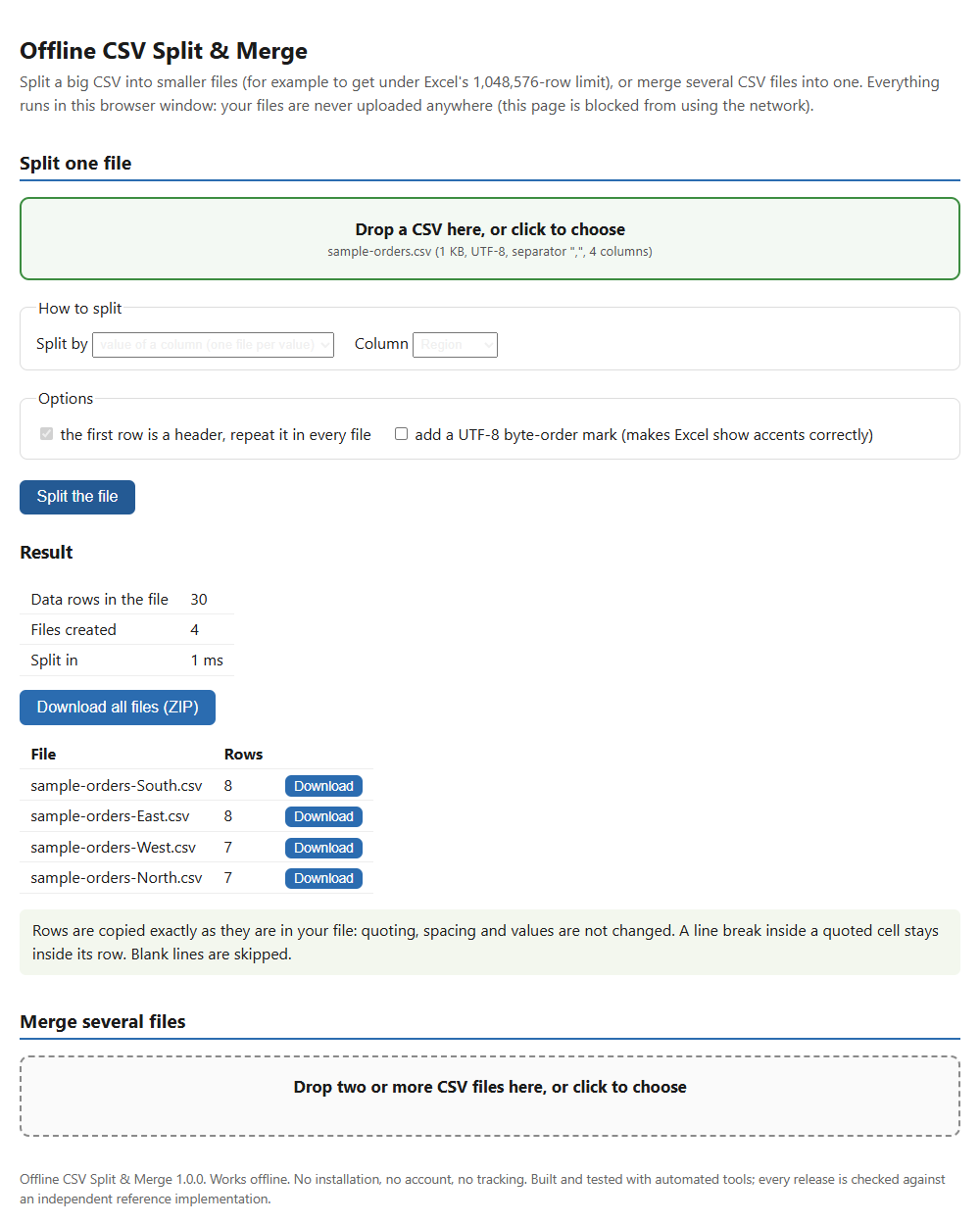
By rows per file, by number of files, by maximum size in MB, or one file per value of a column such as region, customer or month. One button fills in Excel's limit.
Rows copied exactly
Quoting, spacing and values are not changed, and a line break inside a quoted cell stays inside its row.
Merge by column name
Columns are matched by name, so files can have them in a different order. An optional column says which file each row came from.
Nothing hidden
A row with the wrong number of cells is listed in a rejects file with its file name and row number, not merged silently.
Who it is for
- Anyone whose CSV export is too big for Excel or for an upload limit.
- People who need one file per customer, region or month from a single big export.
- People who receive monthly CSV files with slightly different column orders and want one combined file.
Honest limits
- It does not open .xlsx workbooks. Save as CSV first.
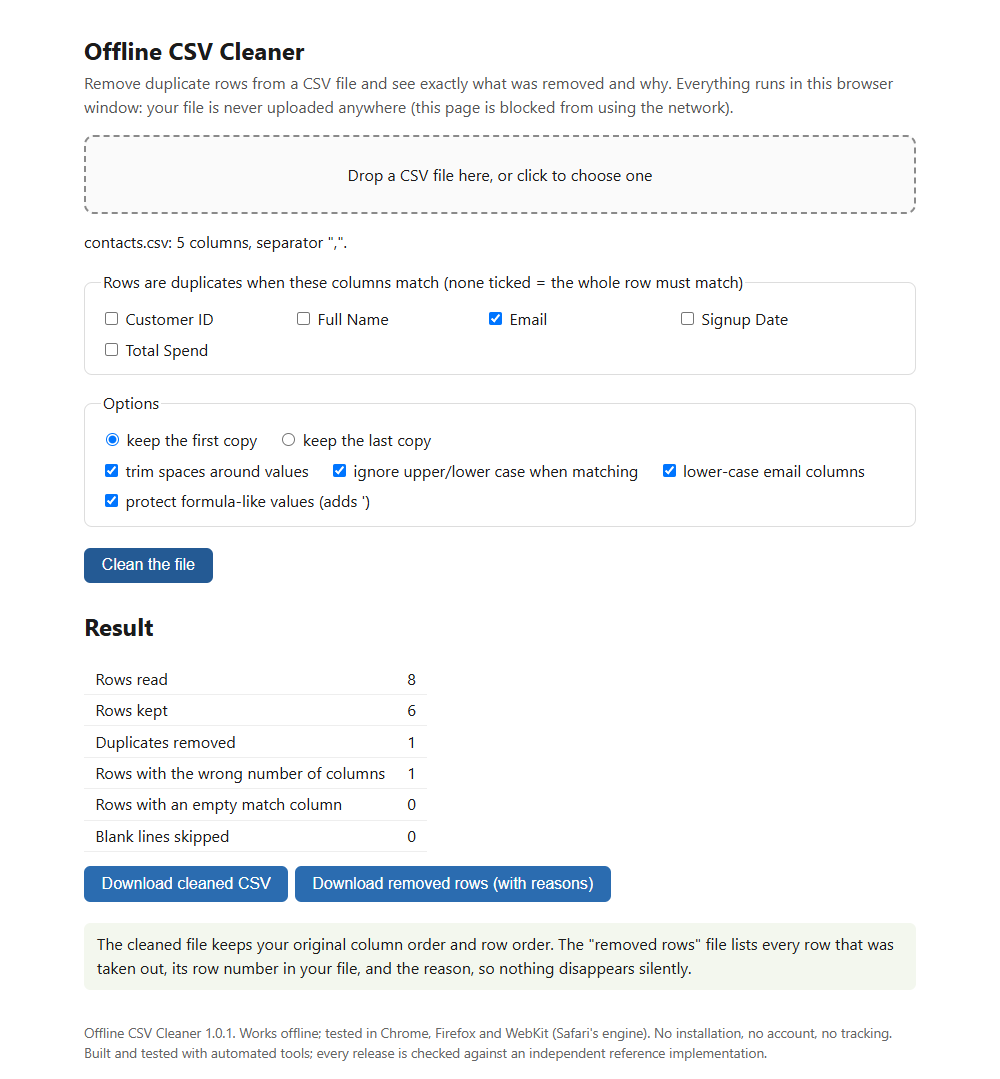
- It does not change or clean your values and does not remove duplicates (see Offline CSV Cleaner).
- The whole file is read into your browser's memory, so very large files depend on your computer. The largest file we tested in a browser was 1,200,000 rows (about 24 MB).
- Not tested in Microsoft Excel. The pieces are plain CSV files.
Details
- In our tests, splitting a 1,200,000-row file at Excel's limit took 0.19 seconds in Chrome on a Windows PC.
How it was made: built with AI-assisted tools and tested automatically against independent reference implementations. Questions? Support.