Cables that sag the way real ones do
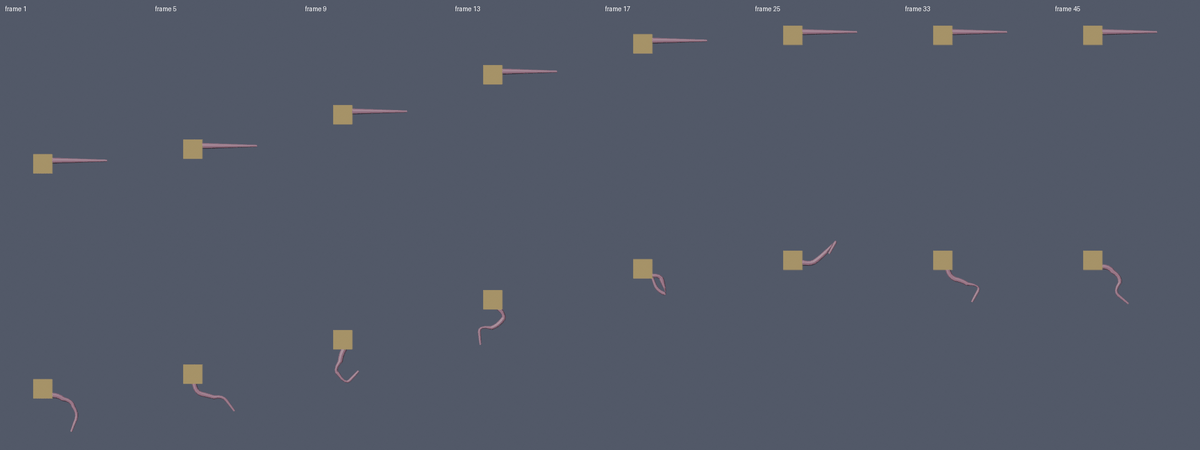
Real cables sag along a specific curve, a catenary, and Hang It builds that curve for you. Select two objects, press a preset, and move either end: the cable follows.
- NOMINAL Runs in Blender on your computer
- READY Bakes to one ordinary mesh with UVs
What it does
Four presets
A power line, string lights, a hanging chain or a rope between two selected objects. Three selected poles give two spans. Two vertices in Edit Mode or two clicks on a surface also work.
Set the sag
By slack (extra length as a percent of the distance between the ends) or by sag depth in metres at mid-span. The ends can sit at different heights, and the panel shows the rope length.
What you can make
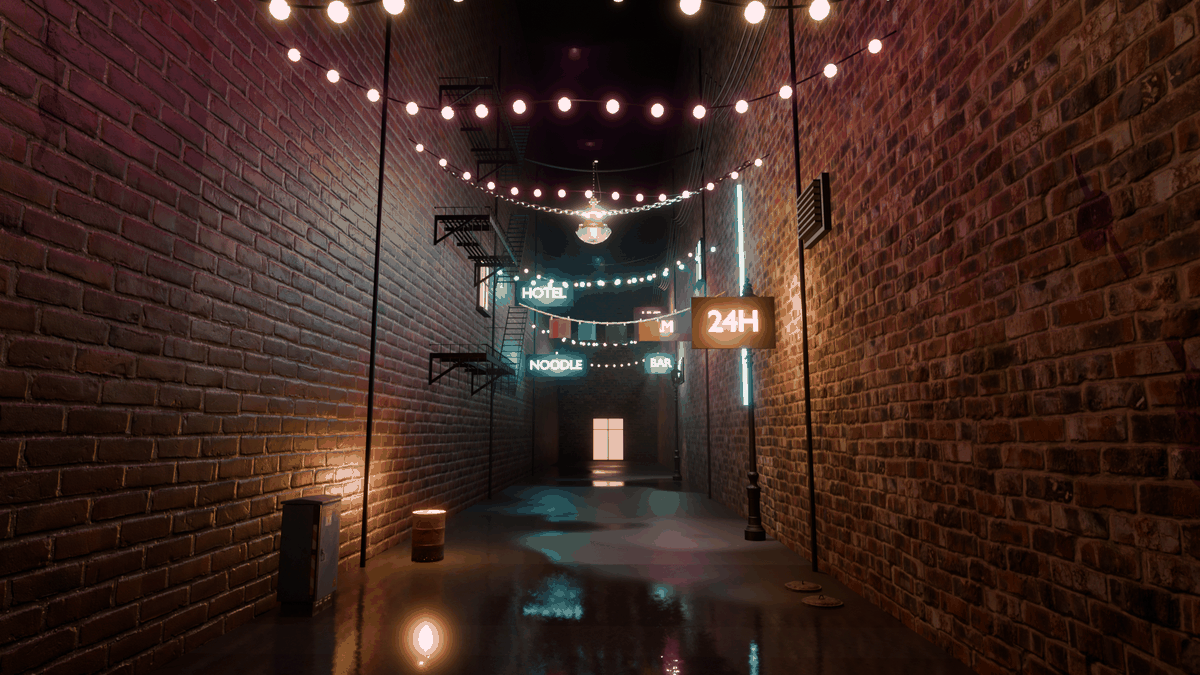
Cable with your own radius, sides and segment count. Rope with strands, twist per metre and strand depth, as real geometry in one watertight mesh. Chain from one shared link mesh. String lights with bulbs on a spacing you choose, in material slot 2 so you can make them glow.
Live while you work
Move either end object and the cable follows. Change a number and it rebuilds as you type.
Ground and wind
UV tile length in metres, a ground height the cable rests above, and a wind sway you can animate: a sideways wave pinned at both ends, with no physics.
Bake to Game Mesh
One ordinary mesh with closed shells, outward normals and UVs, no modifiers and nothing tied to the add-on, ready to take to Unity, Unreal or Godot. Pick High, Medium or Low detail and optionally triangulate. The panel shows the triangle count.
Who it is for
- Environment and prop artists who need power lines, string lights, chains and ropes.
- Game artists who want a cable baked to a mesh for Unity, Unreal or Godot.
Honest limits
- Version 0.1.0: no physics, no collision with other objects, no cable bundles, end plugs or pole generator.
- A span that is exactly vertical stays straight. Rest on ground clamps the curve to the floor without re-solving the length. Gravity is always down.
- Tested on Blender 4.2.x only. Other versions are untested.
- Not affiliated with the Blender Foundation.
Details
- Included: Two zips. Needs Blender 4.2 LTS or newer: use the extension zip through Edit > Preferences > Get Extensions > Install from Disk, or the legacy zip through Preferences > Add-ons > Install. GPL-3.0-or-later.
12 checks in headless Blender 4.2 on Windows, all passing, plus a clean validation of the extension manifest. Other Blender versions are untested. Questions? Support.