Check, fix and export game assets in Blender from your MCP client
Connect Claude Desktop, Claude Code, Cursor or any MCP client to Blender through 16 structured tools. Validate an asset against an engine preset, fix what is wrong, and export it. You bring your own client.
- NOMINAL Runs in Blender on your computer
- READY Changes you can undo
What it does
Engine export presets
Unity, Unreal, Godot, Roblox, VRChat PC and VRChat Quest: file format, axes, scale, collision naming, and triangle, material and texture-size budgets.
Validate before export
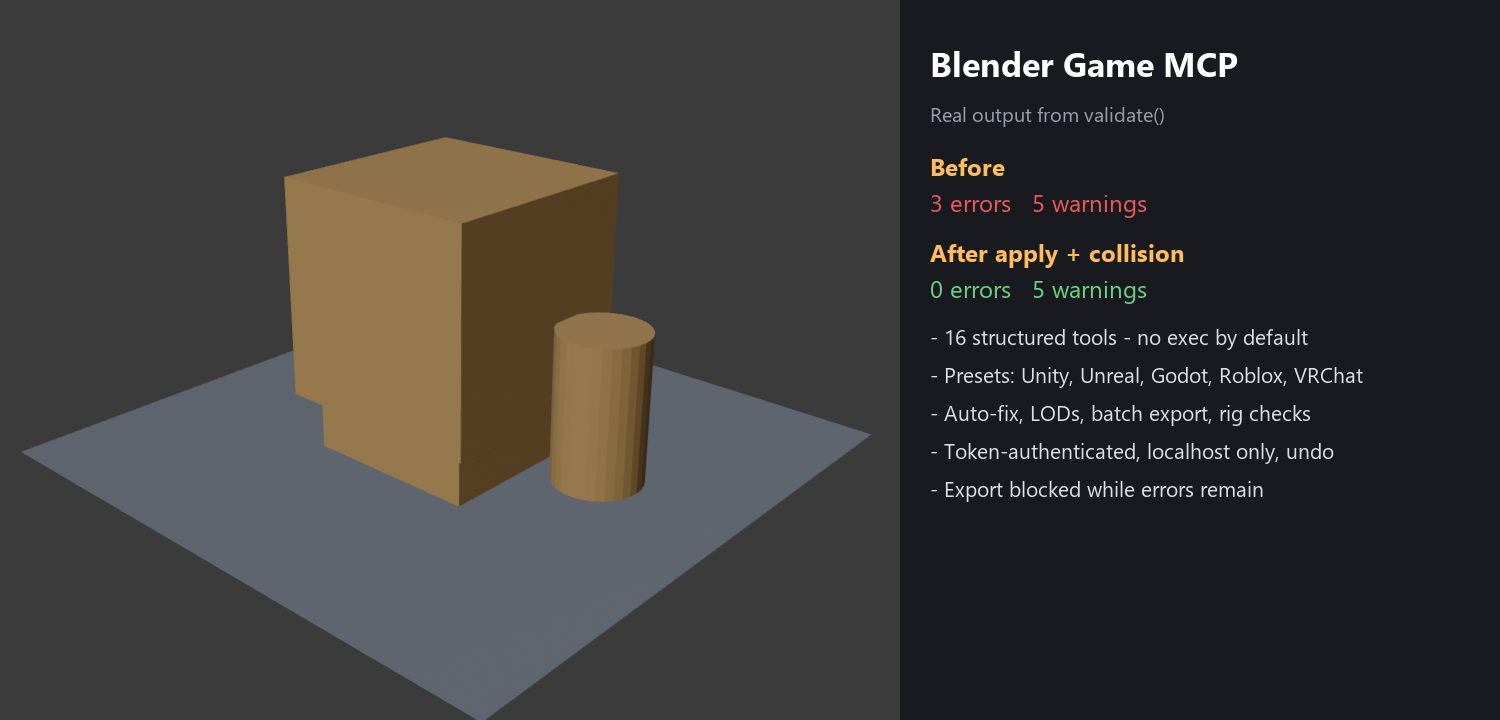
Finds unapplied scale, missing UVs, n-gons, missing materials, odd names and budget overruns. Export is refused while errors remain, and only writes inside an allowed folder.
Auto-fix with undo
Applies scale and rotation, recalculates normals, merges by distance, triangulates and smart-UV unwraps. It reports what changed, and 25 steps can be undone.
LODs, batch and rig checks
LOD chains, batch validate, fix and export for a folder of .blend, .fbx and .obj files, collision meshes, and rig checks for bone weights and Unity/VRChat humanoid mapping.
Who it is for
- Game developers and VRChat creators who prepare many assets in Blender for an engine.
- People who already use an MCP client and want it to work on a Blender scene with a short, fixed list of tools.
Honest limits
- The presets follow the documentation of each engine, but the exported files have not been imported into Unity, Unreal, Godot, Roblox or VRChat.
- It does not do materials, shader nodes, animation, normal or AO baking, 3D generation or asset libraries.
- Windows and Blender 4.2 only were tested. You need Python 3.10+ and pip install mcp.
- No arbitrary code runs unless you switch on power mode, which runs any code you or your client send.
- Not affiliated with the Blender Foundation.
Details
- Included: The Blender add-on, the MCP server, a README and the GPL-3.0 licence.
Tested on Blender 4.2 on Windows, in headless mode, with the included end-to-end tests. Not tested in the normal Blender window, in a Claude Desktop session, on macOS or Linux, or on other Blender versions. Questions? Support.